


Recover the lost data from your NTFS discs
Due to the effect of a virus or to the accidental formatting of a hard drive, it's possible that we may lose important data that we need to recover as quickly and as easily as possible, so a tool like GetDataBack for NTFS can come in very handy.
If you have lost data accidentally or due to an error, easily recover them
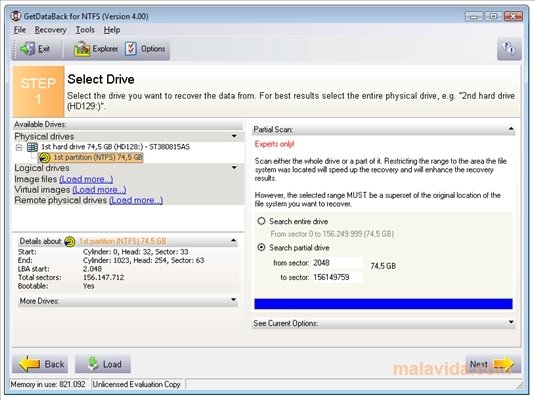
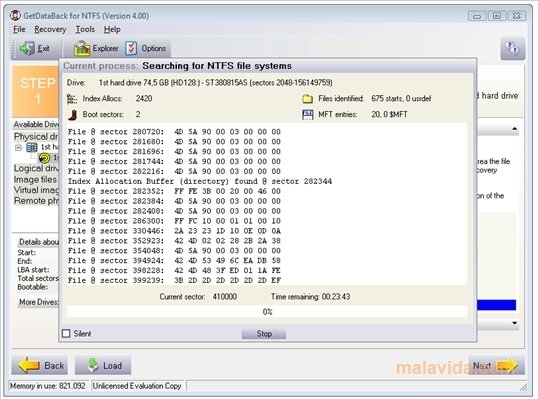
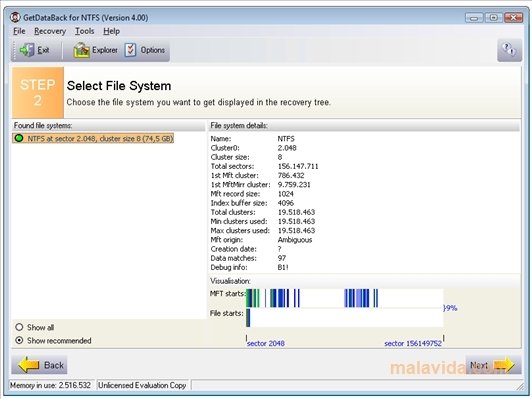
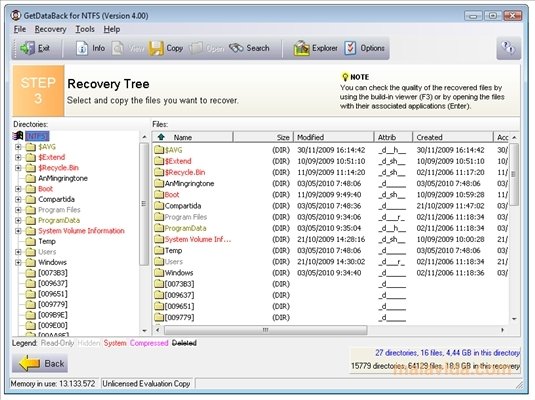
By following three steps it will be possible to recover the contents of any NTFS disc (even if the partition has been eliminated) or boot record. It will only be necessary to select the unit from which we want to save the information, analyze it searching for the directories that we need to reestablish, select the files that we want to save and wait for the program to do the rest for us.
Among the options that are worth highlighting of this application, we'll find the option to save the data on any other computer of the same network, a system that will allow us to preview the files to be recovered and a specification menu for advanced users.
 Héctor Hernández
As a technology journalist with over 12 years of experience in the world of software and apps, I have had the opportunity to try all kinds of devices and operating systems over the years. I have done from software or mobile applications reviews...

Antony Peel